
Social media marketing SMM has become one of the most effective ways for businesses to connect with customers, build brand awareness, and increase sales. With billions of active users across platforms like Facebook, Instagram, LinkedIn, TikTok, and YouTube, businesses of all sizes are investing in social media to reach their target audience.
Managing multiple social media accounts manually can be time-consuming. This is where social media marketing tools become essential. These tools help businesses create content, schedule posts, monitor performance, engage with followers, and analyze campaign results more efficiently.
Whether you’re a beginner, freelancer, digital marketer, or business owner, using the right tools can save time and improve your marketing results. In this guide, we’ll explore some of the best social media marketing tools and how they can help you grow your online presence.
Why Use Social Media Marketing Tools?
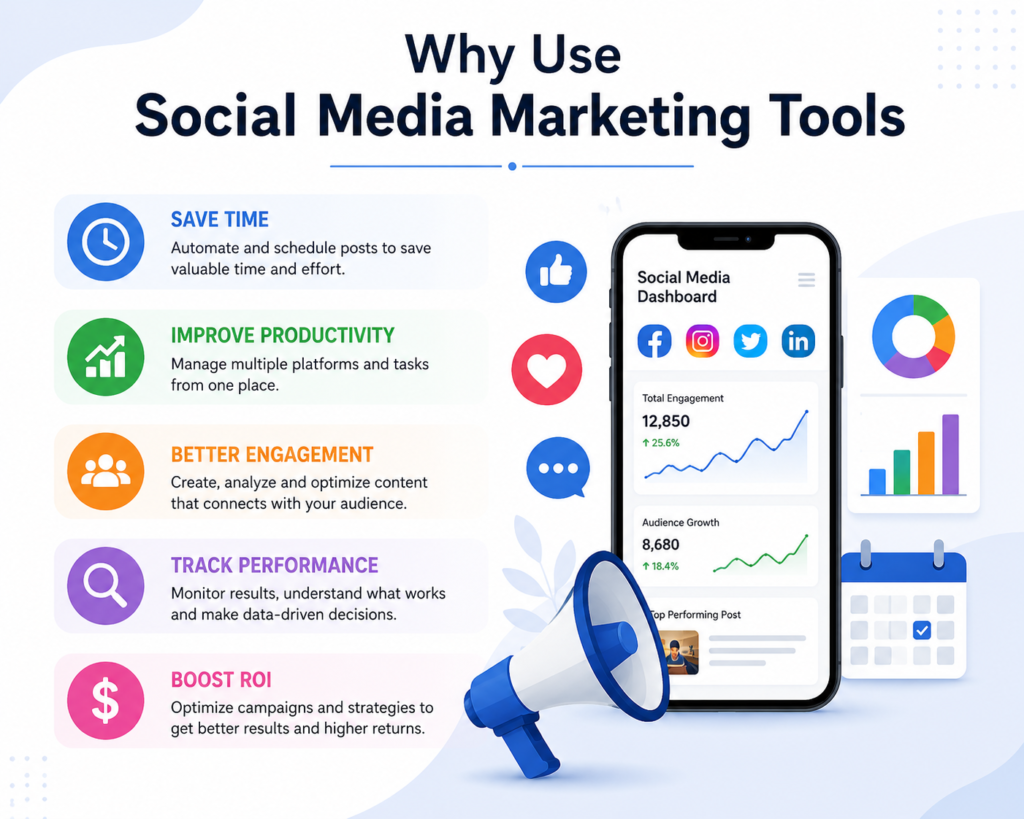
Social media marketing SMM tools simplify your daily tasks and improve productivity. Instead of logging into each platform individually, you can manage everything from one dashboard.
The benefits of using these tools include:
- Save time by scheduling posts in advance
- Manage multiple social media accounts from one place
- Track audience engagement and performance
- Create professional graphics and videos
- Monitor brand mentions and conversations
- Improve team collaboration
- Make better marketing decisions using analytics
By using these tools, businesses can focus more on creating valuable content and building relationships with their audience.
1. Canva
Canva is one of the most popular graphic design tools for social media marketers. It allows users to create professional-looking graphics without any design experience.
Key Features
- Thousands of ready-made templates
- Drag-and-drop editor
- Social media post and story templates
- Logo and banner creation
- Video editing features
- Brand kit for consistent designs
Why Use Canva?
High-quality visuals attract more engagement on social media. Canva makes it easy to design eye-catching posts for Facebook, Instagram, LinkedIn, Pinterest, and other platforms in just a few minutes.
2. Meta Business Suite
Meta Business Suite is a free tool for managing Facebook and Instagram accounts.
Key Features
- Schedule Facebook and Instagram posts
- Reply to comments and messages
- Track page insights
- Manage advertising campaigns
- Monitor audience engagement
Why Use Meta Business Suite?
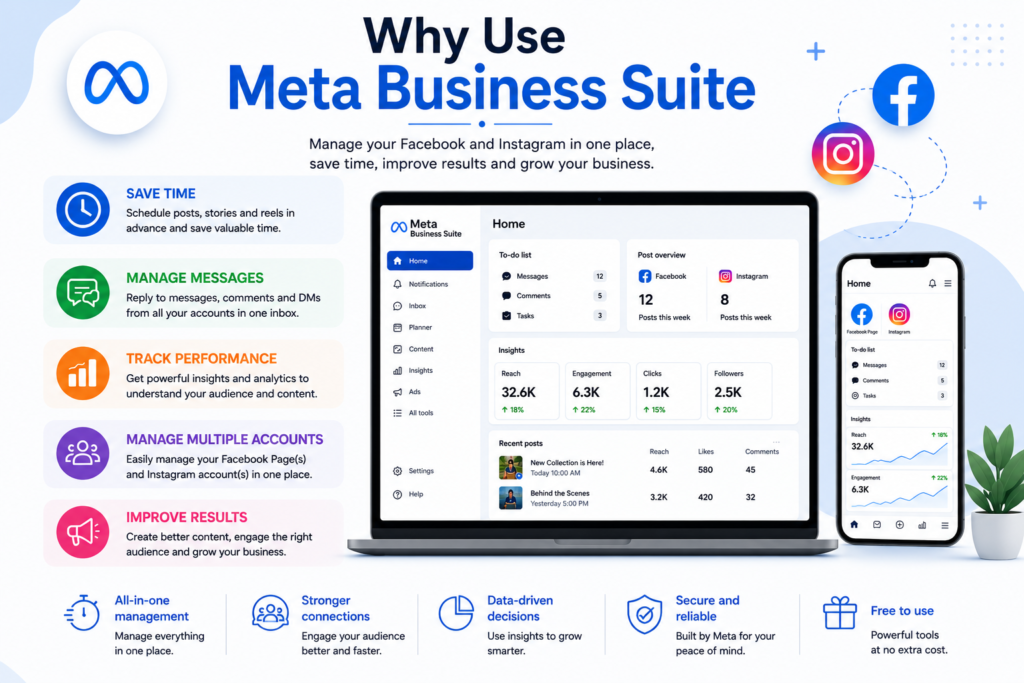
It is an excellent choice for businesses that primarily use Facebook and Instagram. The platform helps save time while providing valuable analytics about your audience.
3. Buffer
Buffer is a popular social media scheduling platform used by marketers worldwide.
Key Features
- Schedule posts across multiple platforms
- Content planning calendar
- Team collaboration
- Performance analytics
- Link shortening
Why Use Buffer?
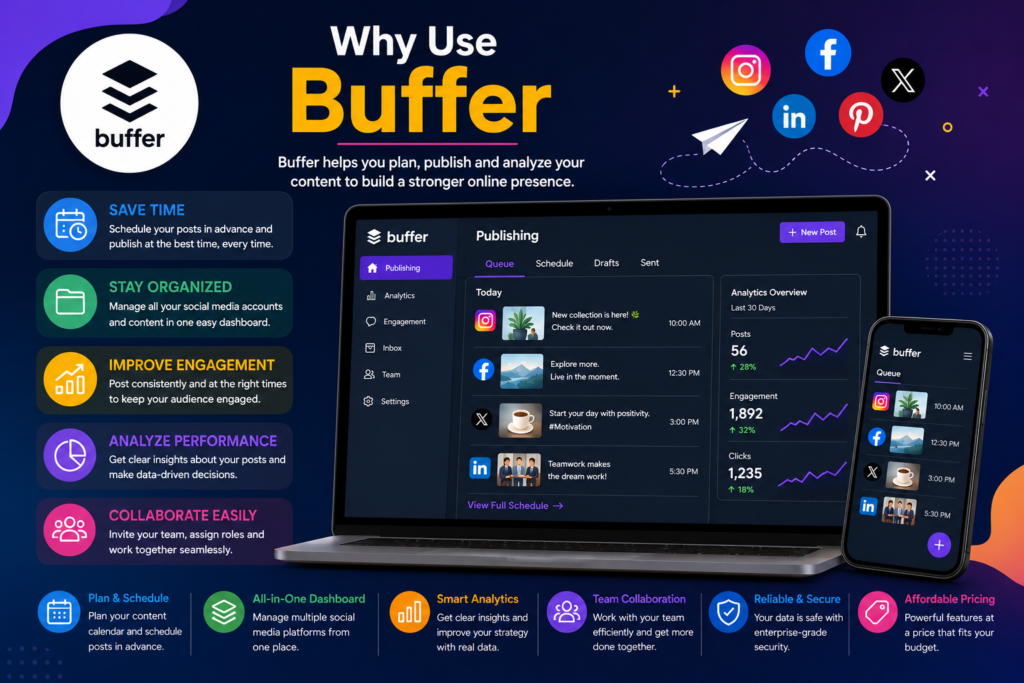
Buffer allows you to maintain a consistent posting schedule without having to publish content manually every day.
4. Hootsuite
Hootsuite is one of the leading social media management tools for businesses and agencies.
Key Features
- Manage multiple social media accounts
- Schedule posts
- Monitor keywords and mentions
- Team management
- Advanced analytics
Why Use Hootsuite?
Hootsuite is ideal for businesses managing several social media platforms. It combines publishing, monitoring, and reporting in one dashboard.
5. Google Analytics
Although Google Analytics is primarily a website analytics tool, it plays a major role in social media marketing.
Key Features
- Measure website traffic
- Track visitor behavior
- Monitor conversions
- Identify traffic sources
- Analyze user engagement
Why Use Google Analytics?
It helps marketers understand how social media campaigns drive traffic to their websites and which platforms generate the best results.
6. ChatGPT
ChatGPT is an AI-powered assistant that helps marketers create content faster and more efficiently.
Key Features
- Generate social media captions
- Create blog ideas
- Write marketing copy
- Brainstorm campaign ideas
- Improve content quality
Why Use ChatGPT?
ChatGPT saves time by generating creative content ideas and helping marketers overcome writer’s block while maintaining consistency.
7. Google Trends
Google Trends helps marketers discover trending topics and search interests.
Key Features
- View trending searches
- Compare keywords
- Analyze seasonal trends
- Discover popular topics
- Identify regional search interest
Why Use Google Trends?
Using trending topics in your content strategy helps attract more attention and increases the chances of reaching a larger audience.
8. Later
Later is a visual social media scheduling platform, especially popular for Instagram marketing.
Key Features
- Drag-and-drop content calendar
- Instagram feed planning
- Reels scheduling
- Story scheduling
- Link-in-bio feature
Why Use Later?
It helps brands maintain a visually appealing Instagram profile while planning content weeks in advance.
If you want any Digital Marketing Service Contact Me
Tips for Choosing the Right Social Media Tool
Before selecting a tool, consider:
- Your business goals
- Supported social media platforms
- Budget
- Ease of use
- Analytics and reporting features
- Team collaboration options
- Customer support
Many tools offer free plans, making it easy for beginners to start before upgrading to premium features.